Cancel a Scheduled Payment on iKan Property Tax

Follow the steps below to cancel a scheduled payment on iKan Property Tax:
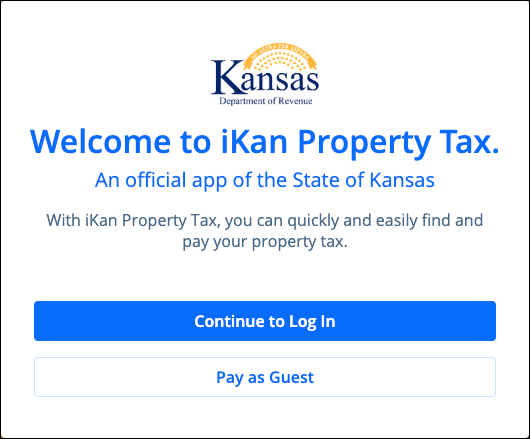
- Log in to the iKan Property Tax profile used to schedule the payment (see Create a Profile on iKan Property Tax)
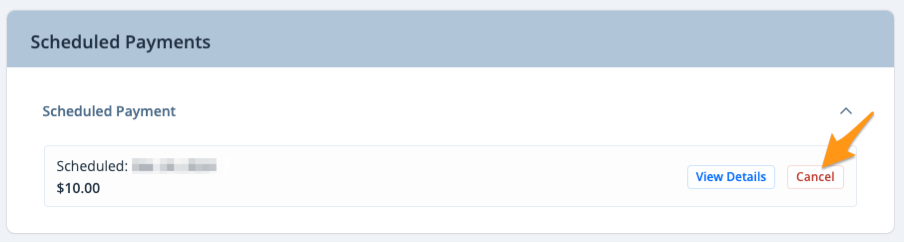
- Scroll down to the "Scheduled Payments" section and click Cancel next to the applicable scheduled payment
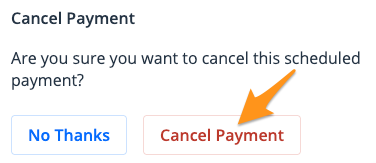
- Click Cancel Payment to confirm